01
Consumer-style UI
Define animation, navigation and interaction quality before estimating compute needs.
Smart appliances and consumer devices often combine touch-first UI, visual polish, connectivity and tight product integration. Match the architecture to the real interaction and cost targets.
Use these questions to narrow the HMI workload, then compare compute, display, GUI and engineering paths.
Define animation, navigation and interaction quality before estimating compute needs.
Balance display, memory, compute and connectivity against the product target rather than optimizing one part alone.
Separate local control from cloud, app and wireless requirements.
Evaluate the display, cover lens, touch stack and mechanical integration together.
A focused serial or MCU interface, a richer RTOS HMI and an application-class Linux system solve different problems. The HMI Selector uses the rest of your brief to narrow the starting point.
For focused control and status interfaces where integration effort, startup and cost matter strongly.
For richer graphics, more pages and broader I/O while retaining an embedded real-time product model.
For complex workflows, larger software stacks, networking, media or application-style functionality.
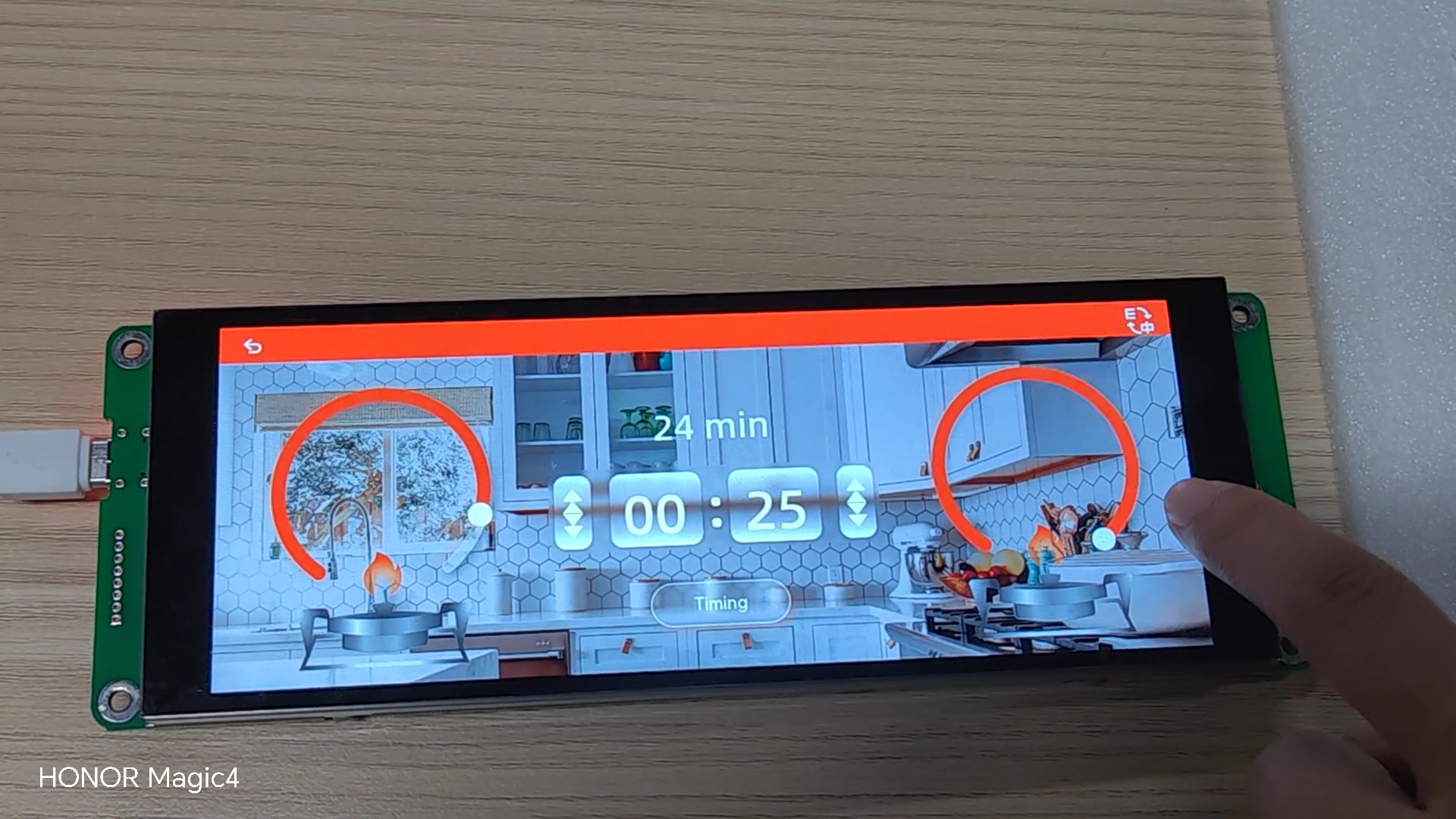
The existing smart-home appliance demo provides a concrete reference for touch navigation, mode selection and embedded UI polish.
Use the selector for an initial architecture direction, or share the project constraints for a more specific discussion.