01
Interaction model
Define modes, settings, timers, status and onboarding before selecting the GUI architecture.
Balance visual experience, BOM, boot behavior, connectivity and production constraints before committing to the platform.
The goal is not to force every product into one architecture. These are the decisions that narrow the practical options.
Define modes, settings, timers, status and onboarding before selecting the GUI architecture.
Animation, assets, transitions and screen resolution determine graphics and memory needs.
Wi-Fi, Bluetooth, cloud onboarding and updates can influence platform and software decisions.
A focused control UI, a graphics-rich real-time interface and an application-style Linux HMI have different engineering and lifecycle trade-offs.
For focused appliances with cost-sensitive hardware, fast boot and controlled UI scope.
For richer touch experiences and more graphics while keeping an embedded real-time architecture.
For complex connected workflows, richer frameworks or broader application integration.
Select size, resolution, touch and module construction around industrial design and UX.
Match graphics performance and peripheral needs to the real UI rather than the demo alone.
Use LVGL, Qt or another workflow that fits the team, asset pipeline and product complexity.
Plan Wi-Fi, Bluetooth or cellular only where the product experience needs it.
Budget assets, fonts, logs and update images early.
Validate module supply, programming, test and software release flow before MP.
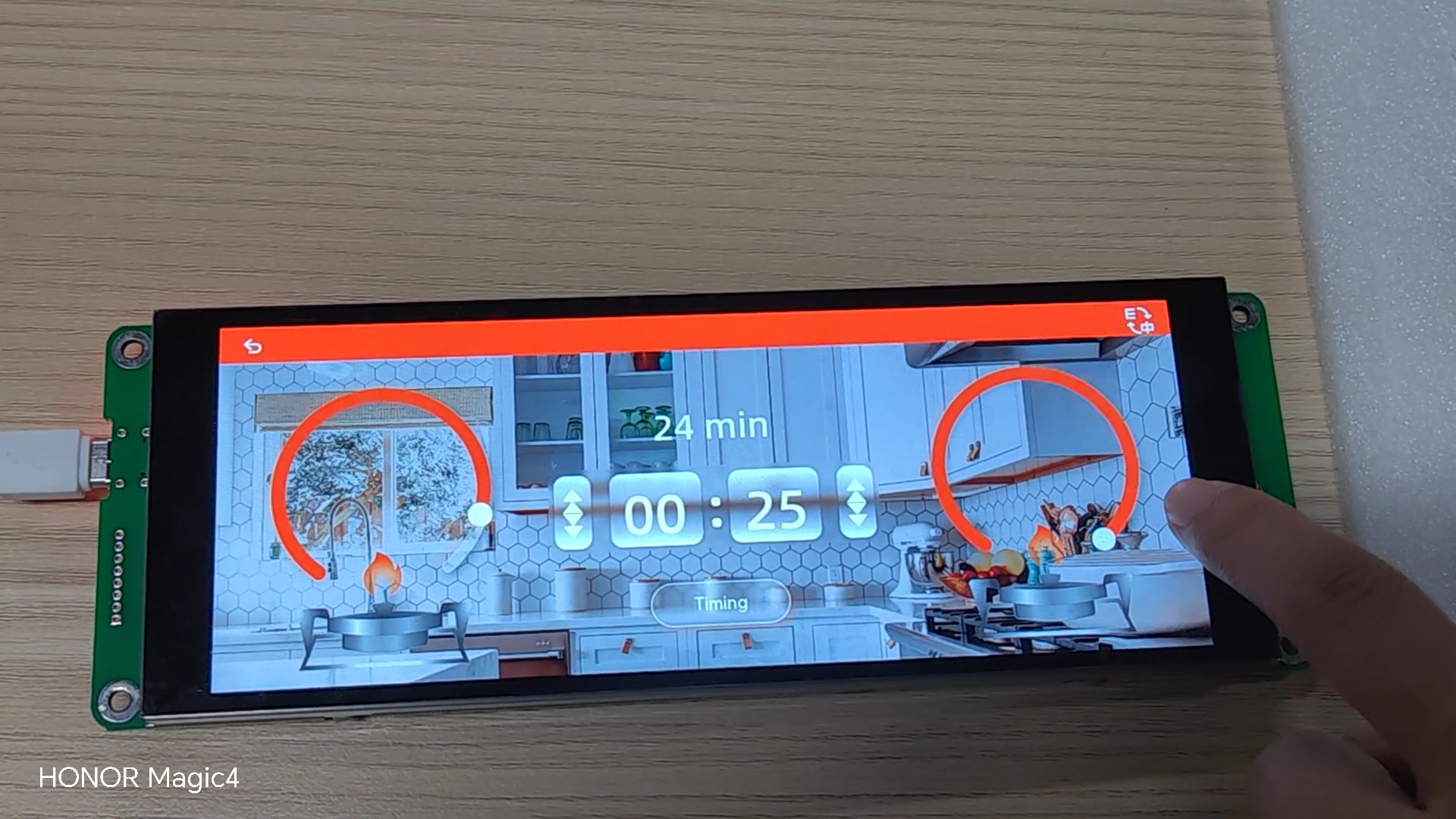
A touch-driven appliance interface with mode selection and timing controls provides a concrete starting point for discussing UI scope and platform needs.
Measure the real startup experience on target hardware.
Validate hit areas, latency and interaction flow on the final display size.
Test animations, images and worst-case screen transitions.
Prototype onboarding, reconnect and update behavior where applicable.
Check that the chosen architecture still matches target cost and volume.
Define flashing, calibration, test and field update requirements.
No complete specification is needed to discuss architecture, evaluation hardware or engineering support.