01
Operator workflow
Define what operators must see, acknowledge and control before choosing the UI stack.
Start with operator workflow, display environment, control interfaces and lifecycle needs. Then choose the compute, GUI and engineering path that fits the product.
The goal is not to force every product into one architecture. These are the decisions that narrow the practical options.
Define what operators must see, acknowledge and control before choosing the UI stack.
Size, resolution, touch method, brightness and enclosure constraints shape the hardware path.
Map field interfaces, local I/O and connectivity requirements before platform selection.
A focused control UI, a graphics-rich real-time interface and an application-style Linux HMI have different engineering and lifecycle trade-offs.
For focused control panels where fast boot, deterministic behavior and compact software matter.
For richer graphics, more pages, charts or connectivity without moving directly to Linux.
For application-style workflows, networking, richer frameworks or broader software integration.
MCU, MPU or SoC selected from UI complexity, interfaces and lifecycle.
TFT, touch technology and module integration matched to the operator environment.
LVGL, Qt or another suitable GUI stack plus BSP, drivers and application integration.
Ethernet, Wi-Fi, Bluetooth, cellular or industrial interfaces as the product requires.
DDR, flash or eMMC sized around OS, assets, data and update strategy.
Architecture review, BSP, GUI integration, validation and production transfer when needed.
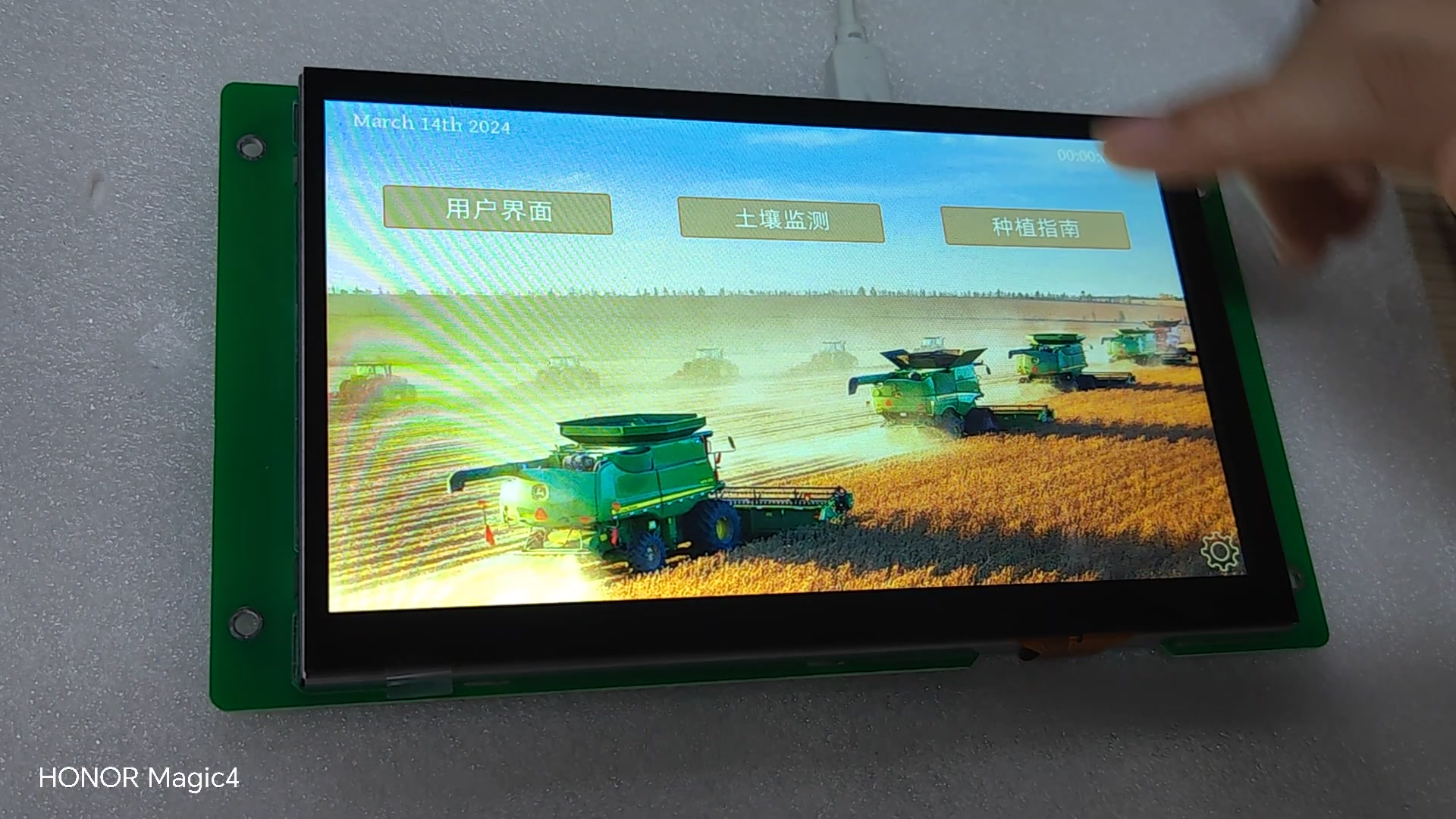
A field-equipment demo showing machine data, navigation and touch interaction can be used as a practical reference when evaluating industrial operator interfaces.
Confirm the UI, OS and compute class before freezing the PCB.
Validate readability, touch behavior and mechanical integration on real hardware.
Confirm boot, graphics performance, drivers and update approach early.
Exercise the real control and connectivity interfaces, not only a UI mock-up.
Check component availability and production support against the product plan.
Define who owns hardware, BSP, GUI, application and production hand-off.
No complete specification is needed to discuss architecture, evaluation hardware or engineering support.